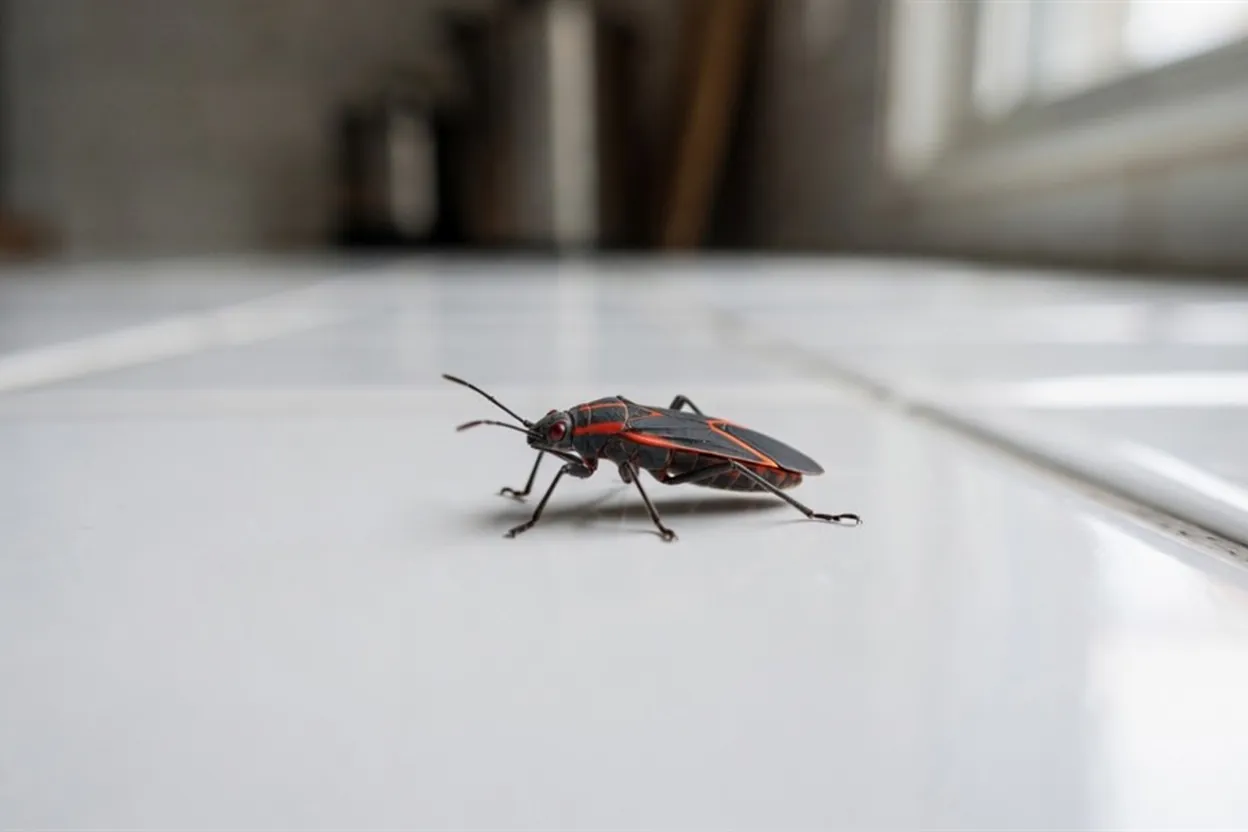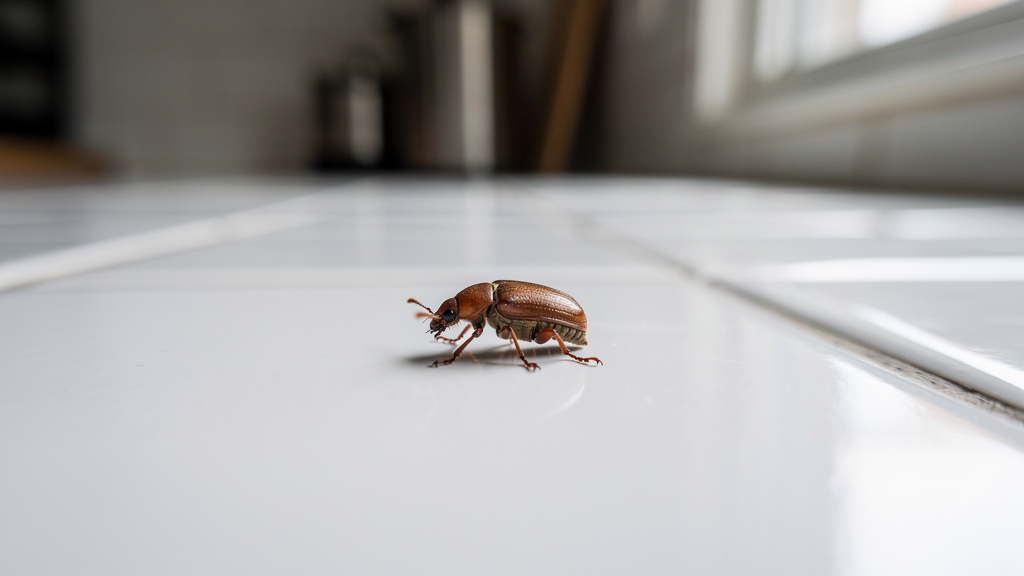
You just spotted something crawling across your kitchen floor — small, fast, and definitely not a dust bunny. Your first instinct is probably to squash it and move on. But before you do, it's worth knowing what you're dealing with. Learning how to identify a bug from a photo takes less than two minutes these days, and it can mean the difference between a harmless house guest and a full-blown infestation that costs you thousands of dollars to fix.
Small reddish-brown specks can trigger fears of bed bugs even when they turn out to be carpet beetle larvae. Knowing how to identify a bug in your house quickly can prevent needless worry and help you decide whether pest control is actually necessary.
This guide walks you through exactly how to identify any household bug for free — step by step, no entomology degree required.
What you'll need
- A smartphone or digital camera
- Good lighting (natural light or a lamp — not flash)
- A free AI bug identification tool (one option is covered below)
- 5–10 minutes of your time
- A small clear container or plastic bag (optional, for capturing the bug)
Estimated time: 5–15 minutes per identification Difficulty level: Beginner — if you can take a selfie, you can do this
Step 1: Don't panic — and don't immediately kill it
This may sound counterintuitive. Your instinct when you see a mystery bug is to end it immediately. But a dead, squashed bug is almost impossible to identify accurately. You lose the color, the body shape, the leg count — all the details that actually matter.
If you can, trap the bug under a clear glass or plastic container. Slide a piece of paper underneath and you've got yourself a temporary terrarium. If the bug is too fast or you've already lost it, don't stress — a decent photo works just as well for most species.
One exception: if the bug is on you or someone else and you're worried about a bite or sting, obviously prioritize safety first. Shake it off, move away, and then try to photograph it from a safe distance.
Step 2: Take a clear, well-lit photo
This is the step most people rush, and it's the one that matters most. A blurry, dark photo of a bug will get you nowhere — even the best AI tool can't identify a brown smudge.
Here's what actually works:
- Use natural light or a lamp. Get close to a window or turn on a bright overhead light. Avoid using your phone's flash directly — it washes out the details and creates glare.
- Get as close as you can without blurring. Most smartphones have a macro mode or will auto-focus when you tap the screen. Aim for the bug to fill at least 50% of the frame.
- Take multiple angles. A top-down shot is great, but a side profile can reveal leg structure, wing shape, and body segments that clinch the identification. If you can get a shot of the underside too, even better.
- Include something for scale. Put a coin or a ruler in the frame. Size is one of the most important identification factors — a 2mm bug and a 20mm bug that look identical at close range are completely different species.
Most misidentifications happen because of poor photo quality, not because the AI tool is bad. Spend an extra 60 seconds getting a good shot and you'll get a much more accurate result.
Step 3: Use a free AI bug identification tool
You don't need to flip through field guides or post on Reddit and wait hours for a response. AI-powered insect identification tools have gotten remarkably good — they can match a photo against databases of thousands of species in seconds.
One free option is the Bug Identifier tool at EasyAI. Upload a photo to receive a possible species name, physical description, habitat information, and an explanation of whether the bug may pose a risk to your home or health. No account is required.
Here's how to use it:
- Go to easyai.net/tools/bug-identifier
- Click the upload button and select your photo (or drag and drop it)
- Wait 5–10 seconds while the AI analyzes the image
- Read the identification result — it'll typically include the common name, scientific name, and key details about the species
Other solid free options include Google Lens (built into Android, available on iOS via the Google app — just tap the camera icon in Google Search), iNaturalist (great for less common species, with a community of real entomologists who can verify AI results), and Picture Insect, which has a free tier covering a wide range of common household bugs.
For everyday household bugs, the EasyAI Bug Identifier is the fastest and simplest. For rare or unusual species, iNaturalist's community verification adds a useful layer of confidence.
Step 4: Note the key physical features before you search
Even if you're using an AI tool, it helps to know what you're looking at. Training your eye to notice specific features means you can cross-reference the AI result — and catch it if it's wrong.
Here's a quick reference for the features that matter most:
| Feature | What to look for |
|---|---|
| Body segments | 2 (spider/arachnid) vs. 3 (insect) |
| Leg count | 6 legs = insect; 8 legs = spider/tick/mite |
| Wings | Present or absent? One pair or two? |
| Antennae | Long and thin? Short and clubbed? |
| Color/pattern | Solid, striped, spotted? |
| Size | Smaller than a sesame seed? Bigger than a dime? |
| Body shape | Flat and oval? Round? Long and narrow? |
Spiders always have 8 legs and 2 body segments — so if your mystery creature has 6 legs, it's definitely an insect, not a spider. That single observation narrows your search dramatically.
Bed bugs are flat, oval, reddish-brown, and roughly the size of an apple seed (about 5mm). Cockroach nymphs look similar but are more cylindrical and move much faster. Carpet beetles are small and round with a mottled pattern. These distinctions seem obvious once you know them, but in the moment — at 11pm, half-asleep — everything looks the same.
Step 5: Identify where you found the bug
Location is one of the most useful pieces of context for narrowing down what you're dealing with. The same-looking small brown bug found in your bed versus your pantry versus your bathroom almost certainly belongs to a different species.
Here's a rough guide to what's common where:
Bedroom / mattress area
Bed bugs, carpet beetles, dust mites (too small to see), and occasionally fleas if you have pets. If you're waking up with itchy welts in a line or cluster, bed bugs are the primary suspect.
Kitchen / pantry
German cockroaches, fruit flies, grain beetles (tiny, reddish-brown, found in flour and cereal), and ants. If you're seeing small beetles in your dry goods, you likely have a pantry pest — not a cockroach.
Bathroom
Silverfish (long, silvery, fast-moving), drain flies (tiny, moth-like, hover near drains), and springtails (extremely tiny, jump when disturbed — often mistaken for fleas).
Basement / crawl space
House centipedes (alarming but harmless), camel crickets, ground beetles, and occasionally termite swarmers in spring.
Near windows / walls
Cluster flies, stink bugs, and boxelder bugs tend to congregate near windows and wall voids, especially in fall when they're looking for somewhere to overwinter.
Knowing the location doesn't replace a photo ID, but it helps you evaluate whether the AI result makes sense. If the tool says "tropical species found only in rainforests" and you're in Ohio, something's off.
Step 6: Determine whether you need to act — or just relax
Many bugs found in a house are harmless. Treating a low-risk species unnecessarily can waste money; house centipedes, for example, eat other insects. Understanding the threat level matters as much as the identification itself.
Bugs that usually require professional pest control:
- Termites — any sign of termites (mud tubes, discarded wings, hollow-sounding wood) warrants an immediate call to a professional
- Bed bugs — DIY treatments rarely work; professional heat treatment is usually necessary
- German cockroaches — highly resilient, reproduce fast, and carry pathogens
- Carpenter ants — they don't eat wood, but they excavate it to nest, causing structural damage over time
Bugs that are annoying but low-risk:
- House spiders (most species are harmless and eat other pests)
- Silverfish (they damage paper and fabric but pose no health risk)
- Fruit flies (sign of overripe produce, not an infestation)
- Springtails (harmless moisture indicator)
- Pill bugs / roly-polies (outdoor critters that wandered in)
Bugs that need attention but not panic:
- Ants (most species are nuisance pests; carpenter ants and fire ants are more serious)
- Drain flies (fix the moisture source and they disappear)
- Pantry beetles and moths (discard affected food, deep clean, use airtight containers)
According to the National Pest Management Association's 2026 Bug Barometer, pest activity is expected to be higher than average across most of the US this year due to a mild winter and erratic precipitation — so it's worth being proactive rather than waiting to see if that one ant becomes fifty.
Step 7: Cross-reference your result with a trusted bug database
AI tools can confuse visually similar species. For anything that might require action — especially if you're considering calling pest control or treating your home — spend two more minutes cross-referencing the result.
The NPMA's Pest Guide at PestWorld.org covers 90+ species with photos, descriptions, and risk levels. It's free, authoritative, and specifically focused on household pests. Orkin's pest library is another solid resource for visual comparison.
Use this verification process:
- Get the species name from the AI tool
- Google that species name + "images" and compare your bug to the results
- Check the NPMA Pest Guide or Orkin library for habitat and behavior details
- Ask yourself: does this match where I found it and what I saw it doing?
If everything lines up, you've got a confident identification. If something feels off — the size doesn't match, the location doesn't fit, the behavior seems wrong — take a fresh photo and try again, or use iNaturalist's community feature to get a human second opinion.
Step 8: Take appropriate action based on what you found
Now you know what it is. Here's how to respond:
If it's a harmless visitor: Catch and release outside. Done. No chemicals, no stress.
If it's a nuisance pest (silverfish, fruit flies, pantry beetles): Address the root cause — moisture for silverfish, overripe food for fruit flies, unsealed containers for pantry pests. Use targeted traps if needed.
If it's a serious pest (cockroaches, bed bugs, termites): Don't waste time on DIY sprays that push the problem around without solving it. Contact a licensed pest control professional. Get multiple quotes. Ask specifically about the treatment method and follow-up plan.
If you're still not sure: Take more photos, use the EasyAI Bug Identifier again with better images, or submit to iNaturalist for community verification. Most pest control companies also offer free inspections — use that as a last resort confirmation, not a first step.
Troubleshooting: common issues with bug identification
The AI tool says it can't identify the bug
This usually means the photo quality isn't good enough, or the bug is partially obscured. Try again with better lighting, a closer shot, and make sure the bug fills most of the frame. If you're photographing through a jar, clean the glass first.
I got two completely different results from two tools
This happens, especially with juvenile insects (nymphs and larvae look very different from adults) and with species that have regional color variations. Use the physical features checklist from Step 4 to evaluate which result makes more sense, and cross-reference with the NPMA database.
The bug is too fast to photograph
Set your phone to burst mode (hold down the shutter button on most smartphones). Take 10–15 rapid shots and pick the sharpest one. Alternatively, try photographing at night with a lamp — many insects slow down or freeze when suddenly exposed to bright light.
I found a dead bug and it's dried out
Dried specimens lose color and shape. You can still try an AI identification, but include as much context as possible: where you found it, what season it is, your geographic region. Some tools allow you to add notes alongside the photo.
The bug was tiny — smaller than 2mm
Extremely small insects (mites, springtails, thrips) are genuinely difficult to photograph without a macro lens attachment. These are inexpensive clip-on accessories for smartphones — around $10–15 on Amazon — and they make a huge difference for tiny bugs. Alternatively, place the bug on a white piece of paper and use your phone's portrait mode to get a sharper close-up.
Bonus: what if you found something in your garden?
Bug identification doesn't stop at the front door. If you're finding mystery insects on your plants — holes in leaves, discolored stems, strange webs — the same photo-based approach works outdoors. The EasyAI Plant Doctor tool can help examine plant symptoms and possible insect damage. If you're unsure whether a plant in your yard is a weed or something worth keeping, the Weed or Plant identifier offers a possible identification that you can verify before deciding what to remove.
Once you get comfortable with AI-powered photo identification for bugs, you'll find yourself reaching for it constantly. It's one of those tools that sounds gimmicky until you actually try it.
What's next
Once you've identified your bug, here are the logical follow-up steps:
- Search for entry points. Most household bugs don't materialize from nowhere — they came in through a gap, crack, or open door. Seal foundation cracks, check window screens, and look at where pipes enter the house.
- Address moisture issues. A huge percentage of household bug problems trace back to moisture — leaky pipes, poor ventilation in crawl spaces, condensation under sinks. Fix the moisture and many bugs lose their reason to stay.
- Set up monitoring traps. Sticky traps placed along baseboards and under appliances tell you whether you have an ongoing population or just a one-time visitor.
- Schedule a professional inspection if you found termites, bed bugs, or a large cockroach population. Don't wait on these.
- Bookmark the EasyAI Bug Identifier for next time. Because there will be a next time.
Frequently asked questions
Is it really possible to identify a bug from a photo for free?
Yes, and it works better than most people expect. AI-powered tools like the EasyAI Bug Identifier and Google Lens can match a clear photo against thousands of species in seconds. The key is photo quality — a sharp, well-lit image will get you an accurate result the vast majority of the time.
What's the most common bug found in houses that people misidentify?
Carpet beetles, almost certainly. People mistake them for bed bugs because they're small, oval, and reddish-brown. The key difference: carpet beetles have a mottled pattern and don't bite humans, while bed bugs are more uniformly reddish-brown and leave itchy bite marks.
How accurate are AI bug identification apps?
Accuracy varies by tool and photo quality, but leading apps like Picture Insect and iNaturalist regularly hit 90%+ on common species with clear photos. For unusual or rare species, community-verified platforms like iNaturalist are more reliable than standalone AI tools. Always cross-reference anything important with a second source.
Can I identify a bug bite to figure out what bit me?
To a limited extent, yes. Bite pattern, location on the body, and symptoms can help narrow it down — bed bug bites often appear in lines or clusters, flea bites tend to be around the ankles, and spider bites are usually isolated. That said, bite identification is less reliable than identifying the bug itself, and any bite that causes significant swelling, pain, or systemic symptoms warrants medical attention regardless of the cause.
What should I do if I find a bug I think might be dangerous?
Don't handle it. Photograph it from a safe distance and use a free identification tool right away. In the US, the genuinely dangerous household spiders are limited to black widows (shiny black with a red hourglass marking) and brown recluses (brown, with a violin-shaped marking on the back). If you identify either of these, contact pest control. Same goes for scorpions in the Southwest.
Do I need to download an app, or can I identify bugs online without installing anything?
You don't need to download anything. The EasyAI Bug Identifier works entirely in your browser — just upload a photo and get results instantly. Google Lens also works through the Google app or Google.com without a separate download. If you want a dedicated app with offline capabilities and a personal identification history, Picture Insect and iNaturalist are worth installing, but they're not necessary for a quick identification.